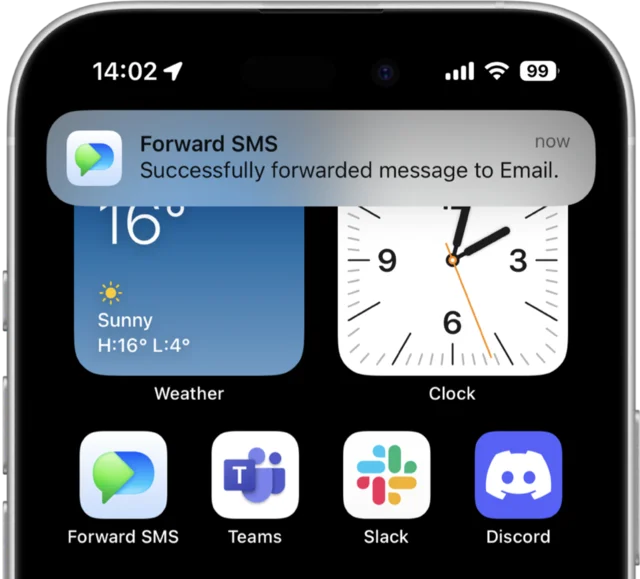
Forward SMS is the SMS forwarder for iPhone that automatically routes your incoming text messages to email, Slack, Microsoft Teams, Discord, or another phone. Forward SMS uses iOS Shortcuts to run the automation on your device, then sends each message through the destination you configure.
Install Forward SMS from the App Store and configure your forwarding destinations (email, Slack, Teams, etc.)
Open the iOS Shortcuts app and create a Message automation that triggers Forward SMS when texts arrive
Your texts are instantly forwarded to your chosen destinations, even when your phone is locked
Read the full setup guide → How to forward text messages on iPhone →
10,000+
Active users worldwide forwarding messages daily
4.5/5
App Store rating from 485+ reviews
5 min
Average setup time from download to forwarding
Why SMS forwarding matters: SMS-based 2FA remains the most common authentication method for banks and online services. For teams managing shared accounts, reliable SMS forwarding is essential for seamless operations without sharing personal phone access.
Forward text messages from your iPhone with iOS Shortcuts. Our text message forwarding setup takes just minutes — ideal for sharing OTPs, 2FA codes, payment confirmations, and other critical communications with your team. Works for routing SMS to another phone, SMS to email, SMS to Slack, SMS to Microsoft Teams, SMS to WhatsApp, or any of our supported destinations.
Unlimited Destinations
Unlimited Messages
Runs on your iPhone
Fast and Simple Setup
Forward SMS helps thousands of users automate their text message workflows
OTP/2FA Verification
Payment Confirmations
Urgent Customer Requests
Delivery Notifications
Here are some of the most common questions you might have before downloading Forward SMS.
Auto-forward text messages to Email, Slack, Teams and Discord