Forward SMS Logo

SMS to Slack
Forward text messages to any Slack channel — straight from iPhone.

Automatically route incoming SMS to any Slack channel, private channel, or DM via Incoming Webhooks. Setup uses iOS Shortcuts on your iPhone with no second phone number required.


Download Forward SMS App for iPhone
★★★★★
★★★★★
4.5/5 (485 Reviews)
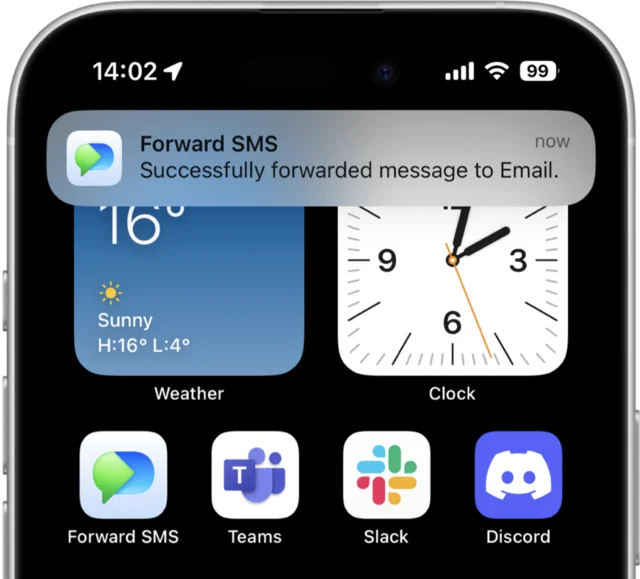
Forward SMS iPhone app screenshot showing SMS to Slack forwarding

TRUSTED BY 10,000+ USERS AROUND THE WORLD

Airbnb Logo Amazon Logo DHL Logo USPS Logo

What is SMS to Slack Forwarding?

SMS to Slack forwarding automatically posts incoming text messages from your iPhone into a Slack channel the moment they arrive. With Forward SMS, every text becomes a normal Slack message — searchable, mentionable, and routable through your existing Slack workflows. Teams use this to share OTP codes for shared accounts, route delivery notifications into an ops channel, or pipe customer SMS into a support workspace.

How SMS to Slack Forwarding Works

1

Create a Slack Incoming Webhook

In Slack, install the Incoming Webhooks app from the marketplace and pick the channel or DM the texts should land in. Copy the webhook URL.

2

Add Slack as a destination

In Forward SMS, create a new Slack destination and paste the webhook URL. Tap Send test message to confirm the channel receives it.

3

Wire up the Shortcuts automation

Open iOS Shortcuts → Automation → Message trigger. Filter by keyword or sender if you only want specific texts. Save it and you're done.

Step-by-step Slack setup guide → iPhone setup basics →

Works with any Slack workspace

Forward SMS uses Slack's Incoming Webhooks — supported on every Slack plan including the free tier. No bot, no OAuth scope, no admin install required. One webhook per destination, as many destinations as you need.

Public channels

#alerts, #ops, #2fa

Private channels

Webhook scoped to channel

Direct messages

Personal Slackbot DMs

Multiple workspaces

One webhook per workspace

Slack Connect

Cross-org channels

What teams forward to Slack

SMS-to-Slack forwarding pays back hardest where the team already lives in Slack — ops, finance, support, on-call, and shared-account access.

OTP & 2FA codes for shared accounts

Route verification codes for Stripe, AWS, your bank, or any shared work account into a private #2fa channel. Whoever needs the code can grab it without anyone passing the phone around or screenshotting.

On-call alerts & carrier notifications

Pipe carrier SMS alerts (PagerDuty fallback, monitoring vendors, status page providers) into an #alerts channel where they're already triaged alongside your other on-call tooling.

Payment & banking confirmations

Forward bank SMS receipts and Stripe payout notifications into #finance for ambient awareness across the team — no manual screenshotting, no missed transactions.

Customer SMS routing

Forward inbound customer text messages to a #customer-sms channel so the next available teammate can respond. Useful for solo founders, small support teams, and field-services dispatch.

Delivery, dispatch & logistics updates

Route DHL, USPS, and carrier delivery confirmations to an #operations or #logistics channel where the team already coordinates fulfillment.

Personal pipe-everything channel

Some users pipe every single incoming SMS into a personal Slackbot DM so they can search SMS history alongside Slack history. Faster than the Messages app, especially across devices.

Where Forward SMS is honestly the wrong choice

We'd rather you pick the right tool than be disappointed. Here's where Forward SMS is the wrong fit and what to use instead.

You're on Android.

Forward SMS is iPhone-only because the entire automation runs on iOS Shortcuts. If your source phone is Android, use AutoForward SMS or a similar Android-side app to post to your Slack webhook. We will not pretend to support Android.

You need a second phone number that Slack can post FROM.

Forward SMS forwards messages from your existing iPhone number into Slack. It does not issue a new phone number or send outbound SMS triggered from Slack. If you want Slack-to-SMS in the other direction, use Twilio's Slack integration or a similar bidirectional service.

You want a Slack bot that replies via SMS.

Forward SMS is one-way: SMS → Slack. There is no "reply in Slack to send an SMS back" flow. Replies in the Slack channel stay in Slack. If you need a two-way bridge, look at Twilio + a custom Slack bot or a service like Front.

You need messages to arrive when the iPhone is off.

Because forwarding starts on the iPhone itself, the device has to be powered on and connected to deliver to Slack. If it's off, no SMS gets posted. Slack delivery uses your configured Slack webhook.

SMS to Slack — frequently asked questions

Forward SMS Icon

Forward SMS

Auto-forward text messages to Email, Slack, Teams and Discord

Download on the App Store