Forward SMS Logo

Text Message Forwarding for iPhone

Automatically Forward Text Messages
to Email, Teams, Slack, Discord or another Phone.

Download Forward SMS App for iPhone
★★★★★
★★★★★
4.5/5 (485 Reviews)
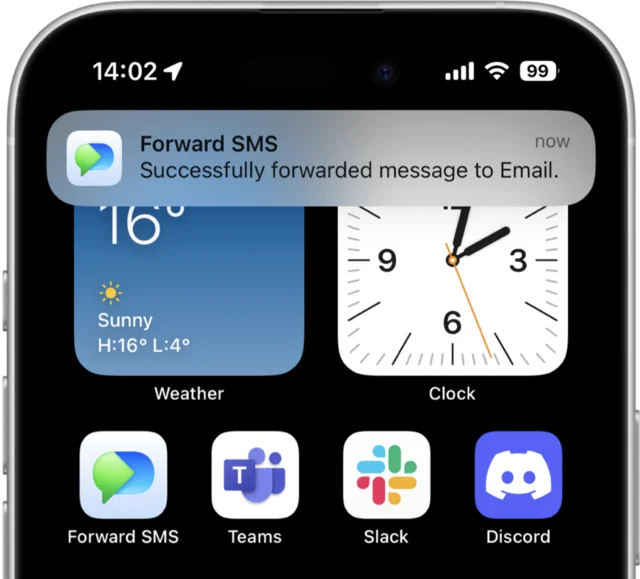
Forward SMS App Screenshot

TRUSTED BY 10,000+ USERS AROUND THE WORLD

Airbnb Logo Amazon Logo DHL Logo USPS Logo

What is Forward SMS?

Forward SMS is an iPhone app that automatically forwards your text messages to email, Slack, Microsoft Teams, Discord, or another phone. It uses iOS Shortcuts to run entirely on your device, meaning your messages never pass through external servers and you keep full control of your phone number.

How Forward SMS Works

1

Download the App

Install Forward SMS from the App Store and configure your forwarding destinations (email, Slack, Teams, etc.)

2

Create Shortcuts Automation

Open the iOS Shortcuts app and create a Message automation that triggers Forward SMS when texts arrive

3

Messages Forward Automatically

Your texts are instantly forwarded to your chosen destinations, even when your phone is locked

Read the full setup guide →

10,000+

Active users worldwide forwarding messages daily

4.5/5

App Store rating from 485+ reviews

5 min

Average setup time from download to forwarding

Why SMS forwarding matters: SMS-based 2FA remains the most common authentication method for banks and online services. For teams managing shared accounts, reliable SMS forwarding is essential for seamless operations without sharing personal phone access.

Text Forwarding App made for your iPhone

Securely forward text messages directly from your device. Our text message forwarding setup takes just minutes. Ideal for sharing OTPs, 2FA codes, and other critical communications with your team.

Unlimited Destinations

Configure multiple destinations to forward text messages to Email, Microsoft Teams, Slack, Discord or another Phone.

Unlimited Messages

No caps, no limits — forward an unlimited number of messages to as many destinations as you need.

Runs on your iPhone

You don't have to give up your phone number and compromise your privacy and security. Forward SMS runs completely on your device.

Fast and Simple Setup

Our step-by-step guides will have you forwarding text messages in minutes. If you need help, reach out .

Powerful Use Cases

Forward SMS helps thousands of users automate their text message workflows

OTP/2FA Verification

Share verification codes with your team without sharing your personal phone number. Perfect for shared accounts and services.

Payment Confirmations

Keep your finance team in the loop with automated payment notifications forwarded directly to your finance channels.

Urgent Customer Requests

Never miss an urgent customer text. Forward critical messages to your support team's preferred platform for immediate attention.

Delivery Notifications

Keep your logistics team updated with automated delivery status notifications from carriers like DHL, USPS, and more.

Forward SMS vs Other Solutions

Compare different approaches to SMS forwarding and see why Forward SMS is the safest choice for teams.

Feature Forward SMS Server-based tools Number porting
Privacy On-device only Data on servers Lose your number
Setup time 5 minutes 30+ minutes 1-2 weeks
Message storage None Stored on servers Varies
Cost One-time purchase Monthly fees Varies by carrier
Permissions required None Full message access Number ownership
Best for Teams sharing OTPs Enterprise automation Full number migration

Bottom line: Forward SMS offers the best balance of privacy, speed, and cost for teams who need to share SMS verification codes.

Frequently asked questions

Here are some of the most common questions you might have before downloading Forward SMS.

Forward SMS Icon

Forward SMS

Auto-forward text messages to Email, Slack, Teams and Discord

Download on the App Store